 TgWitness
Documentation / 04
Install TgWitness for Telegram Chat Export
Install with one command, connect a Telegram account and choose what to save.
Install on your computer
The installer includes Python and dependencies. Start with a chat export; add observation and investigation tools when you need them.
Linux / macOS
curl -fsSL https://get.destroy.tools/install.sh | bashWindows · PowerShell / CMD
powershell.exe -NoProfile -ExecutionPolicy Bypass -Command "irm https://get.destroy.tools/install.ps1 | iex"Ubuntu server: run as root. Desktop: run as your normal user.
Open the panel address shown by the installer and use its access key. Then connect your Telegram account. The panel key and your Telegram authorization are separate.
Installation, signatures and updates explains the downloaded build, local access and server options. Source and Docker instructions remain available.
Choose your first task
- Connect an account by phone, QR or a supported session import.
- Choose the chats, folder or account scope.
- Export the selected history, or start observation to retain future changes.
- Verify the archive against a separately trusted key fingerprint.
Use a temporary GitHub runner
GitHub Actions capture guides you through the fork, authorization, scope and archive password. Download the encrypted result and its workflow provenance after the run. No permanent collector server is needed for this workflow.
Look around without an account
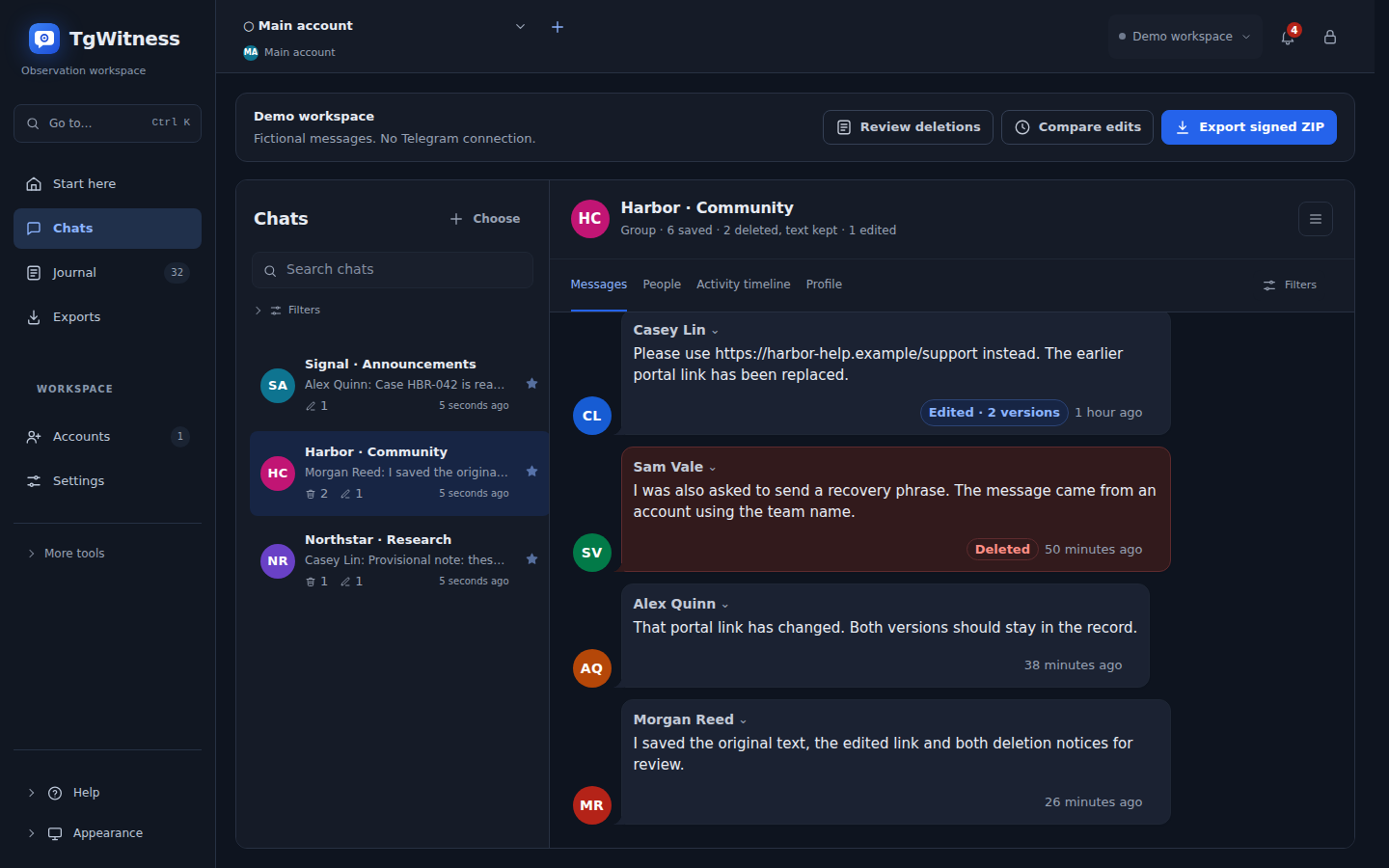
Open the browser demo to explore fictional messages, compare edits and inspect an export before installing anything.
Continue an investigation
For ongoing work, add the sources, file policies, search, reports and sharing permissions your case needs. Start, scale and evidence explains the choices and published measurements.
For a server installation, follow Keep it running.