
Every day we use a huge range of online services. That connectivity is convenient, but it also exposes us to many kinds of cyber threats, so a solid personal cybersecurity setup is now a basic necessity. Think of it as building a fortress around your data and your online identity.
PERSONAL SECURITY
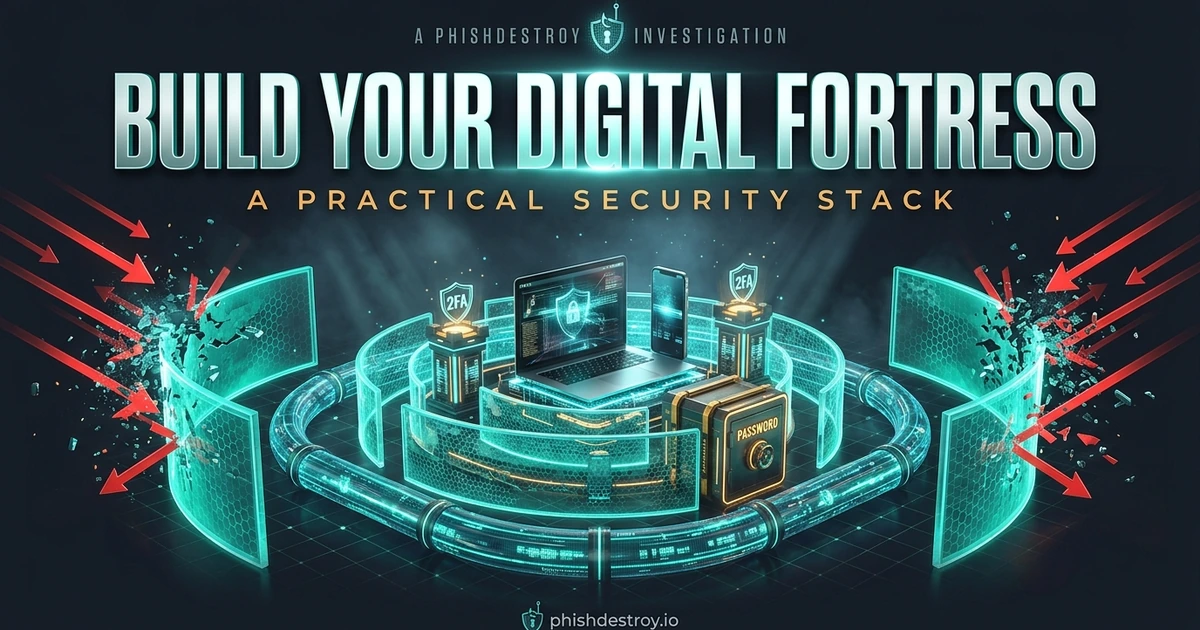
Building Your Digital Fortress
Essential tools and habits for defending yourself against online threats and improving your digital privacy.
On this page
In this article
Listen to this article
0:00 / --:--

The Pillars of Your Digital Fortress
1. Strong Passwords & Password Managers
Your password is the first line of defense. A strong password is long, complex, and unique for every account. Never reuse passwords. Use a reputable password manager like Bitwarden or 1Password to generate and store them securely.

2. Two-Factor Authentication (2FA)
Even the strongest password can be compromised. 2FA adds an extra layer of security. Enable it on every account that supports it, especially for email, banking, and crypto platforms. Prefer authenticator apps like Authy over SMS, and consider hardware keys like YubiKey for maximum protection.
3. Timely Software Updates
Software vulnerabilities are frequently exploited. Always enable automatic updates for your operating system, web browsers, and all applications to get the latest security patches.
4. Antivirus Software & Firewalls
Antivirus software protects your devices from malware. Install and maintain a reputable product like Bitdefender or Kaspersky. Make sure your operating system's built-in firewall is enabled.
5. Virtual Private Networks (VPNs)
A VPN encrypts your internet connection, so it is hard for third parties to snoop on your activities, especially on public Wi-Fi. Use a trusted VPN like NordVPN or ExpressVPN.
6. Data Backup
Regular backups are your last safety net against data loss from hardware failure or ransomware. Follow the 3-2-1 backup rule: 3 copies of your data, on 2 different media types, with 1 copy offsite.
7. Recognizing Phishing
Your awareness is your strongest defense. Be skeptical of unexpected emails or messages demanding urgent action. Always verify the sender and links before clicking. For more details, read our Crypto Security Guide.
Fortifying Your Privacy

Security protects your data from access; privacy controls who sees it. Be mindful of what you share online and review privacy settings regularly. Consider privacy-focused browsers like Brave, search engines like DuckDuckGo or Kagi, and DNS resolvers like Cloudflare 1.1.1.1 or NextDNS.
Email & Messaging Discipline
Email is still the #1 phishing delivery channel, so treat your inbox with suspicion:
- Use a provider with strong anti-phishing filters, such as ProtonMail, Tutanota, Fastmail, or Gmail (with advanced protection enabled).
- Enable SPF, DKIM, DMARC for your own domains; refuse to do business with services that don't.
- Keep separate aliases for sign-ups (SimpleLogin, AnonAddy). When one alias starts receiving spam, kill it without losing your real address.
- Verify any "urgent" message: hover the link, check the sender domain character-by-character, call the company on a number you already have on file.
- Move sensitive conversations to Signal or Element/Matrix; e2e-encrypted messengers leave less attack surface than email.
Account Recovery: The Hidden Backdoor
Attackers rarely brute-force passwords. Instead they take over the recovery channel: a phone number, a secondary email, or one weakly protected upstream account that everything else depends on. Audit your recovery chains:
- List the email and phone tied to every important account; harden each one independently.
- Replace SMS-based 2FA with TOTP authenticator or FIDO2 hardware keys wherever possible. SIM-swap is a real and growing attack.
- For high-value accounts, enable account-takeover protections: Apple Advanced Data Protection, Google Advanced Protection Program, etc.
- Print or steel-stamp recovery codes; store them physically with your other emergency documents.
Device Hygiene
- Lock screen + full-disk encryption on every device: laptops (BitLocker, FileVault, LUKS) and phones (iOS by default, Android with secure-boot).
- Minimize browser extensions: each one can read every page you visit. Audit quarterly; uninstall anything you don't actively use. We documented how 150+ malicious extensions were planted in this investigation.
- Don't pirate. Cracked software is one of the most common malware delivery vectors, and the savings are tiny next to the cost of a stolen wallet.
- Separate profiles for work, finance, and entertainment (at least different browser profiles, ideally different user accounts or VMs).
- Audit "Sign in with Google/Apple" permissions every few months; revoke apps you no longer use.
If Something Goes Wrong
Even a perfect setup can be defeated by a clever attacker or a momentary lapse. The first hour matters more than perfect process:
- Disconnect the affected device from networks immediately.
- Sign out all sessions and rotate every credential entered on that device.
- For crypto: move funds to a fresh wallet on a clean device; revoke approvals at revoke.cash.
- Preserve evidence (disk image, browser history, transaction hashes) before reformatting.
- Report phishing to @PhishDestroy_bot so the next victim is protected.
- Read our incident-response guides: Critical Action — what to do after a hack · Crypto Security Guide.
Related Reading
- Crypto Security Guide: wallet- and on-chain-specific defenses.
- Open-Source Tools for Fighting Cybercrime: OSINT toolkit and threat-intel feeds.
- Anatomy of a Takedown: how PhishDestroy disrupts phishing infrastructure.
- $100K Returned — Adverting Scam Foiled: anatomy of a workplace-viewer attack.
- Registrars Enabling Global Scams: why some hosting/registrar choices matter.
"At PhishDestroy, we disrupt cybercrime, and we also work to give individuals the knowledge and tools to protect themselves."
#PersonalSecurity#CyberDefense#OnlineSafety#Privacy