The site myprojectdocument.pw mimics an Adobe document download portal to trick visitors into executing a suspicious file named myproject.exe. If you downloaded and ran this executable, immediately disconnect your device from the network and scan for malware.
URLScanによるキャプチャ · 2026-11-21 17:39 UTC · SHA-256 f18bba03…3832553
PhishDestroyの分析(レビュー済み版)
元のフォレンジック記録を保持するため、下の PhishDestroy AI 詳細分析は英語のままです。
Adobe document download interface
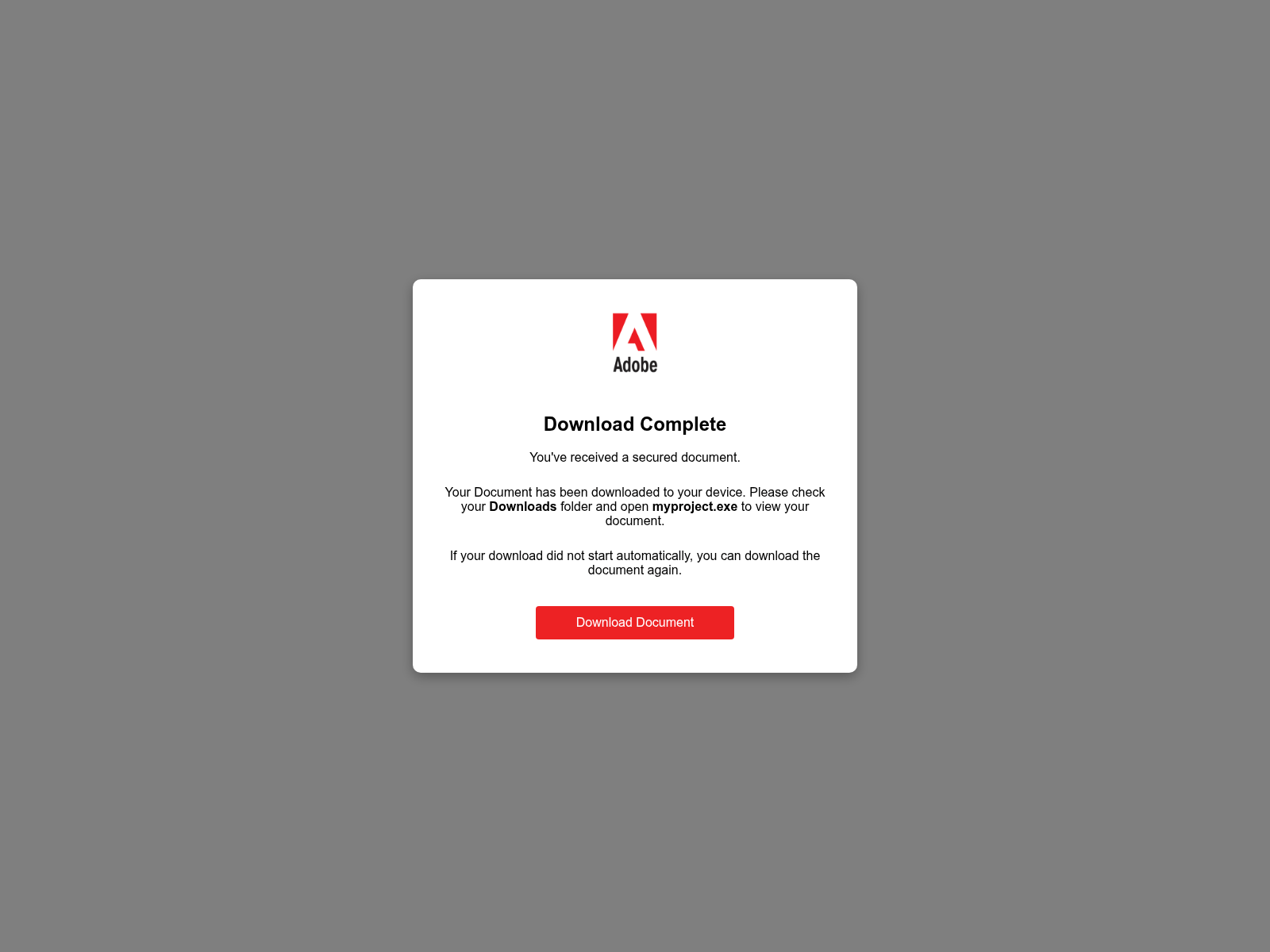
The page displays a centered white dialog box featuring the Adobe logo and brand name at the top. Large bold text reads "Download Complete" followed by the subheadline "You've received a secured document." The body text instructs the user: "Your Document has been downloaded to your device. Please check your Downloads folder and open myproject.exe to view your document." A smaller note states, "If your download did not start automatically, you can download the document again." At the bottom sits a prominent red button labeled "Download Document." The background is a solid neutral grey, focusing attention entirely on the fake delivery prompt designed to trick users into executing an arbitrary program.
Security detections and executable delivery
urlscan classified the page as malicious, 24 of 92 engines on VirusTotal flagged it on 21 Nov 2026, and 1 AlienVault OTX community report references it, with vendors like Kaspersky, ESET and BitDefender identifying it as malicious. This confirms the page is actively used to distribute unauthorized files rather than legitimate documents from the official adobe.com site. Its PhishDestroy evidence score is 60/100 (high).
Recommended actions for visitors
If you arrived at myprojectdocument.pw expecting a standard file, do not click the red download button or open any downloaded executables. Visitors who already ran myproject.exe should inspect their systems for unauthorized changes, run a thorough antivirus scan, and change critical account credentials. Always obtain documents and software through official channels like adobe.com rather than unverified third-party addresses.
myprojectdocument.pw presents an Adobe document download page and prompts visitors to run myproject.exe, flagged by urlscan and 24 VirusTotal engines.
AIによる要約
Adobe document download interface The page displays a centered white dialog box featuring the Adobe logo and brand name at the top. Large bold text reads "Download Complete" followed by the subheadline "You've received a secured document." The body text instructs the user: "Your Document has been downloaded to your device. Please check your Downloads folder and open myproject.exe to view your document." A smaller note states, "If your download did not start automatically, you can download the document again." At the bottom sits a prominent red button labeled "Download Document." The background is a solid neutral grey, focusing attention entirely on the fake delivery prompt designed to trick users into executing an arbitrary program. Security detections and executable delivery urlscan classified the page as malicious, 24 of 92 engines on VirusTotal flagged it on 21 Nov 2026, and 1 AlienVault OTX community report references it, with vendors like Kaspersky, ESET and BitDefender identifying it as malicious. This confirms the page is actively used to distribute unauthorized files rather than legitimate documents from the official adobe.com site. Its PhishDestroy evidence score is 60/100 (high). Recommended actions for visitors If you arrived at myprojectdocument.pw expecting a standard file, do not click the red download button or open any downloaded executables. Visitors who already ran myproject.exe should inspect their systems for unauthorized changes, run a thorough antivirus scan, and change critical account credentials. Always obtain documents and software through official channels like adobe.com rather than unverified third-party addresses.
エビデンスレイヤーAvailability: Content servingContent: Content served at rootDNS: Resolved
最新のHTTP観測結果コンテンツ公開中通常のHTTPコンテンツが配信される90%2026-11-22 11:59 UTC
RDAP登録
観測されたタイムラインlast reachable: 2026-11-22 11:59 UTClast content: 2026-11-22 11:59 UTC
Availability, content, DNS and registration are independent evidence layers. NXDOMAIN, an unreachable origin or missing content alone does not prove registrar action. A registrar or provider is credited only when a direct technical marker identifies that actor. Report causality is shown separately.

 WBeen
 91.92.41.104


 Microsoft
 Cloudflare
 Yandex
 ESET
 ビットディフェンダー
 Norton
 Symantec
 Avira
 Avast / AVG
 カスペルスキー
 Dr.Web
 ネットクラフト
 PhishTank
 APWG eCX
 PhishStats
 Phish.Report
 PolySwarm
 CheckPhish
 Quttera
 URLquery
 Criminal IP
 CRDF
 Scamadviser
 MyWOT