
Search tracked domains and review stored evidence, detections, and the latest observed availability.
219,751
Total Tracked
213,471
VT Detected
91,754
Last Seen Active
127,997
Unavailable at Last Check
518
VT Pending

How This Attack Works
Inferno Drainer is a sophisticated phishing threat targeting users via fraudulent domains.
STEP 1
Domain Registration
Attackers register domains, often using top TLDs like .com and .net.
STEP 2
Phishing Site Deployment
Fake websites are created to mimic legitimate sites, duping users into entering sensitive information.
STEP 3
User Targeting
Users are lured to these sites through phishing emails or social engineering tactics.
STEP 4
Data Harvesting
Sensitive data submitted by users is harvested and used for malicious purposes.
Technical Analysis
Inferno Drainer utilizes a combination of social engineering and technical mimicry to lure victims. Attackers typically host their phishing sites on compromised or newly registered domains, often using registrars like NICENIC INTERNATIONAL GROUP CO., LIMITED. The sites are designed to replicate the appearance and functionality of legitimate services, making use of HTML and JavaScript to capture user inputs. In some cases, attackers employ SSL certificates to give an illusion of security, which can deceive even the wary users. Furthermore, the infrastructure often involves the use of content delivery networks (CDNs) such as Cloudflare to efficiently manage traffic and obscure the server's true location, complicating takedown efforts.
Real Cases
Case 1 - Major Financial Institution Breach (2023)
$3 million stolen
A phishing campaign targeting a major bank resulted in significant financial losses.
Case 2 - Retail Giant Data Breach (2024)
$1.5 million stolen
An attack on an online retail platform led to the compromise of thousands of customer credentials.
Case 3 - Cryptocurrency Exchange Hack (2024)
$2 million stolen
A targeted attack on a crypto exchange drained funds from user accounts through phishing.
How to Detect
Unusual domain names mimicking legitimate services
Poor website design or functionality
Requests for sensitive information via email or pop-ups
HTTPS present but with an unfamiliar issuer
Emails with urgent language or threats
How to Protect Yourself
1
Verify URLs before clicking any links
2
Use multi-factor authentication on all accounts
3
Regularly update passwords and security questions
4
Employ anti-phishing browser extensions
5
Educate yourself and your organization about phishing tactics
Frequently Asked Questions
Data sourced from PhishDestroy threat intelligence database — 41 domains tracked for this threat type
Inferno Drainer 41 domains
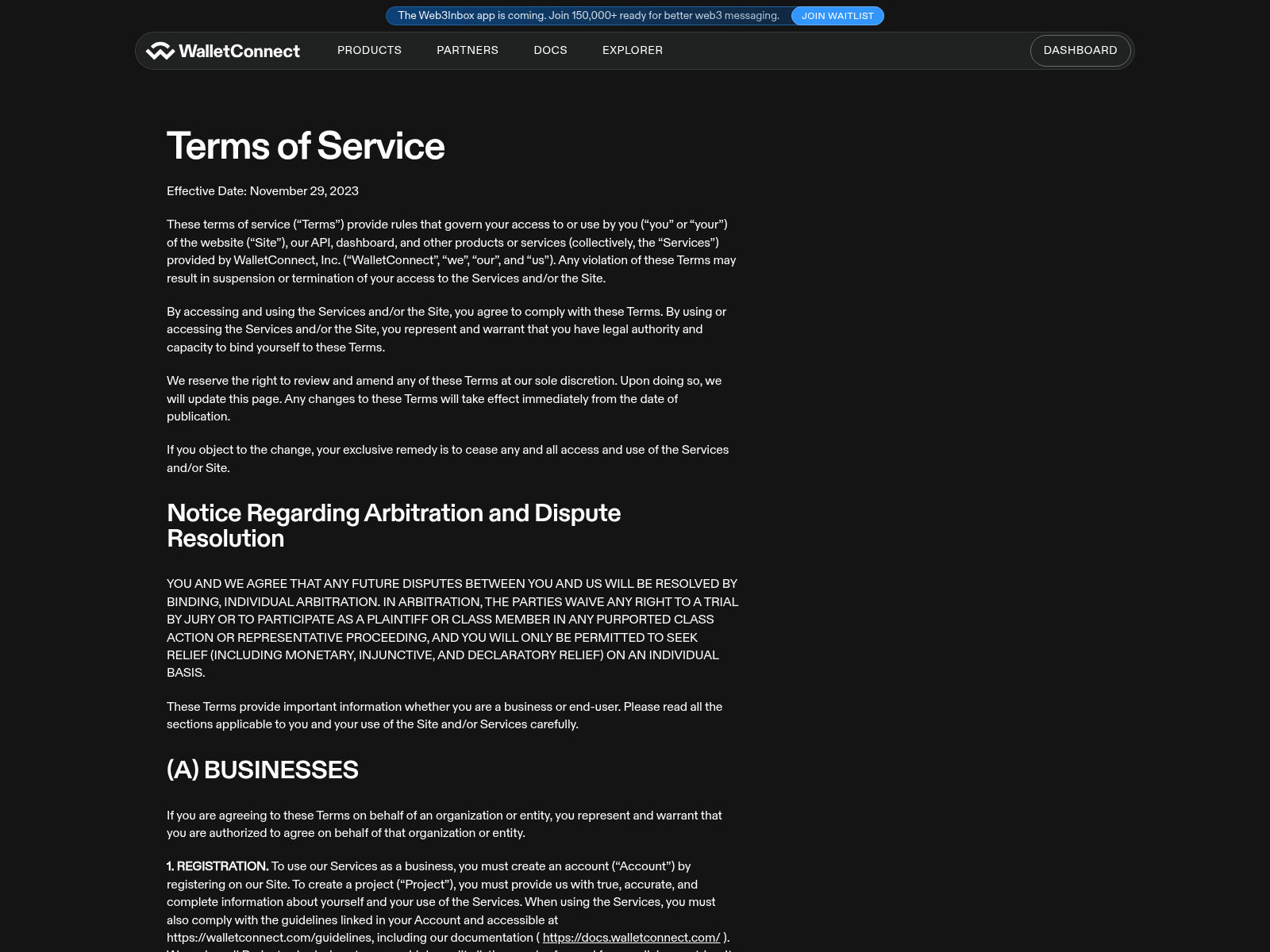
www-walletconnect.pages.dev

clickwinorio.com

cssats.com

infernoweb.cc
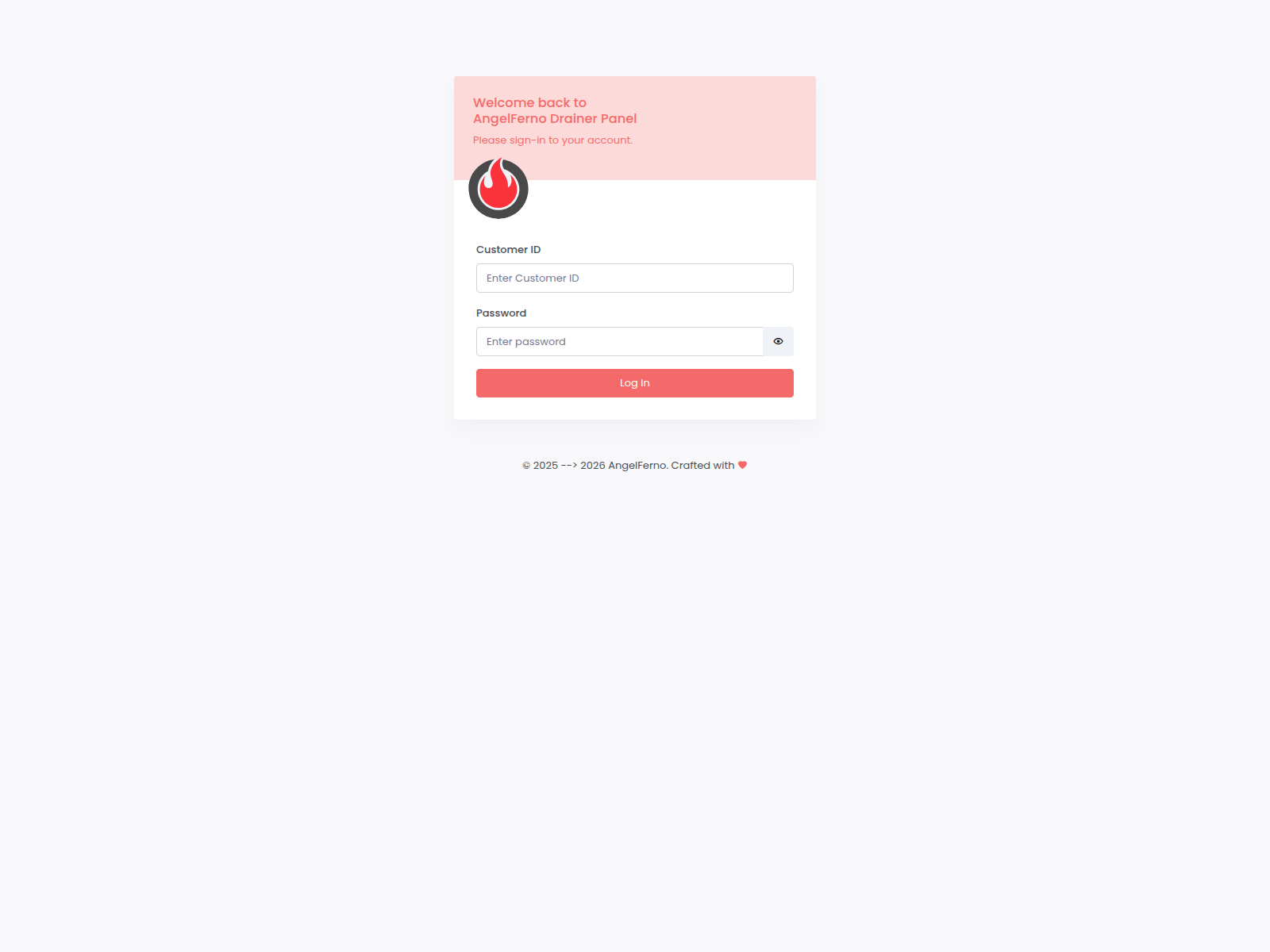
angelxferno.wuaze.com

dapp-3.pages.dev

evobet.cz
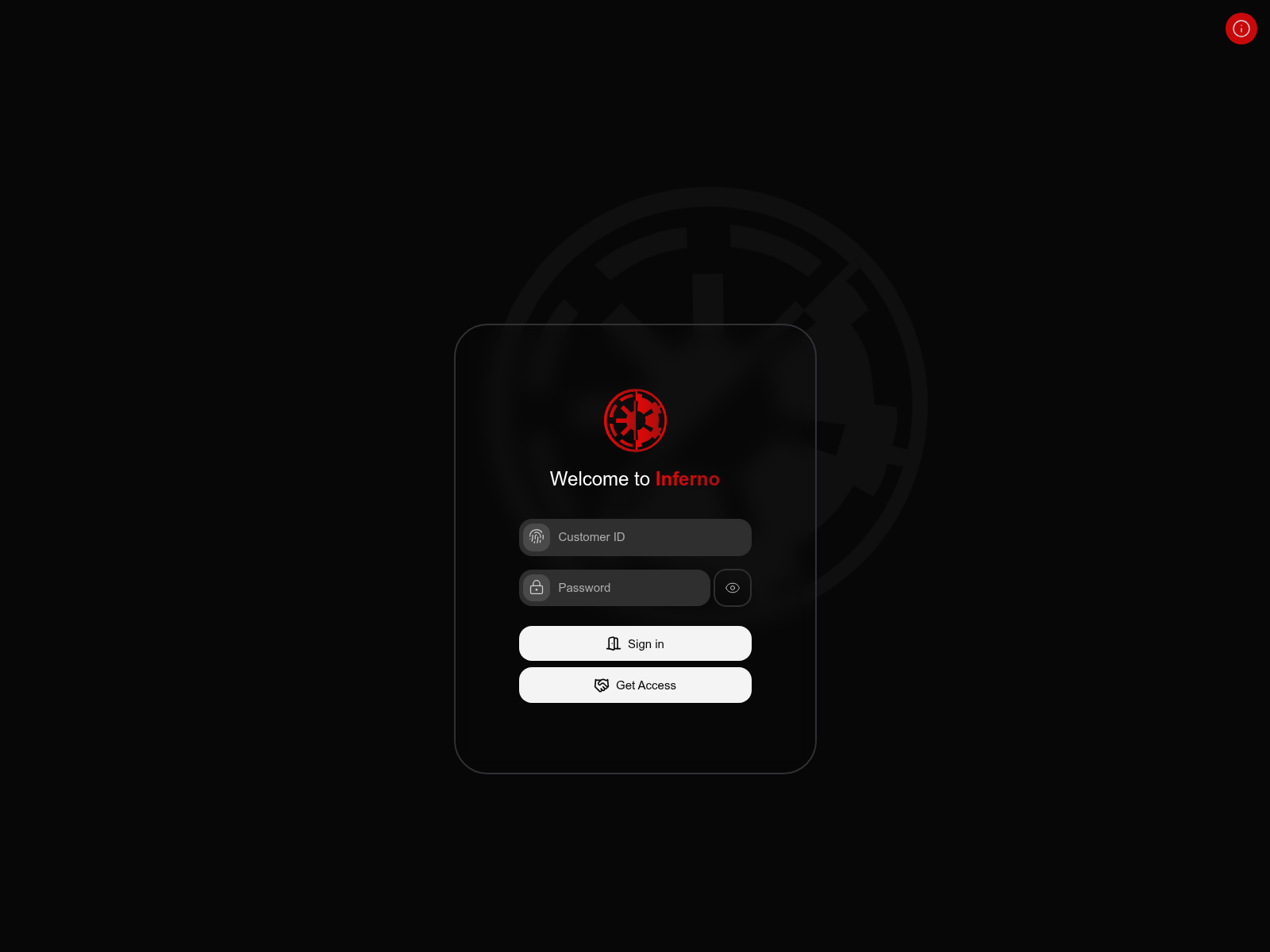
inferno-drainer.com

dapp-w.pages.dev

dapp-y.pages.dev
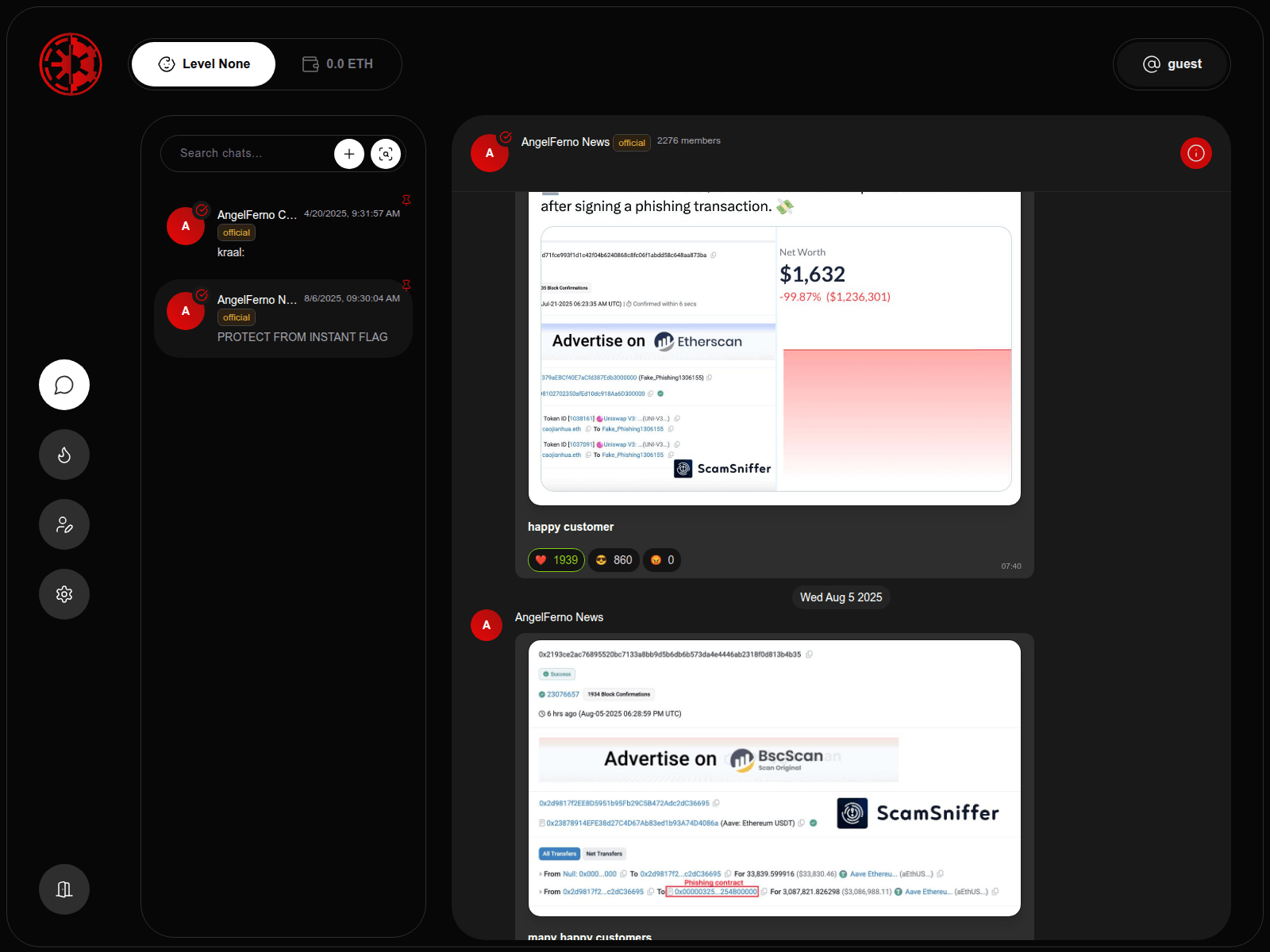
infernodrainer.net


pyrax.app
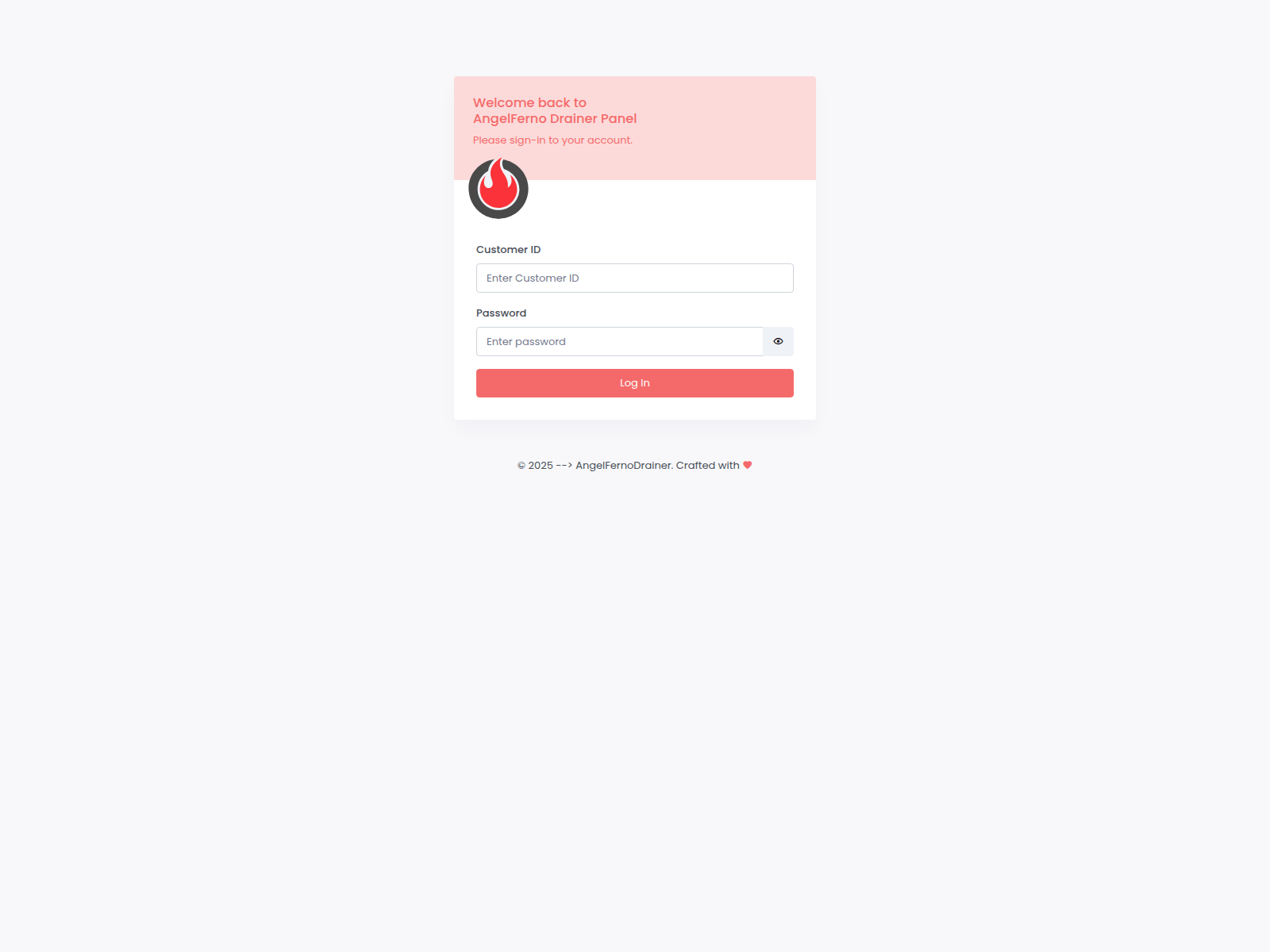
angelx-panel.com
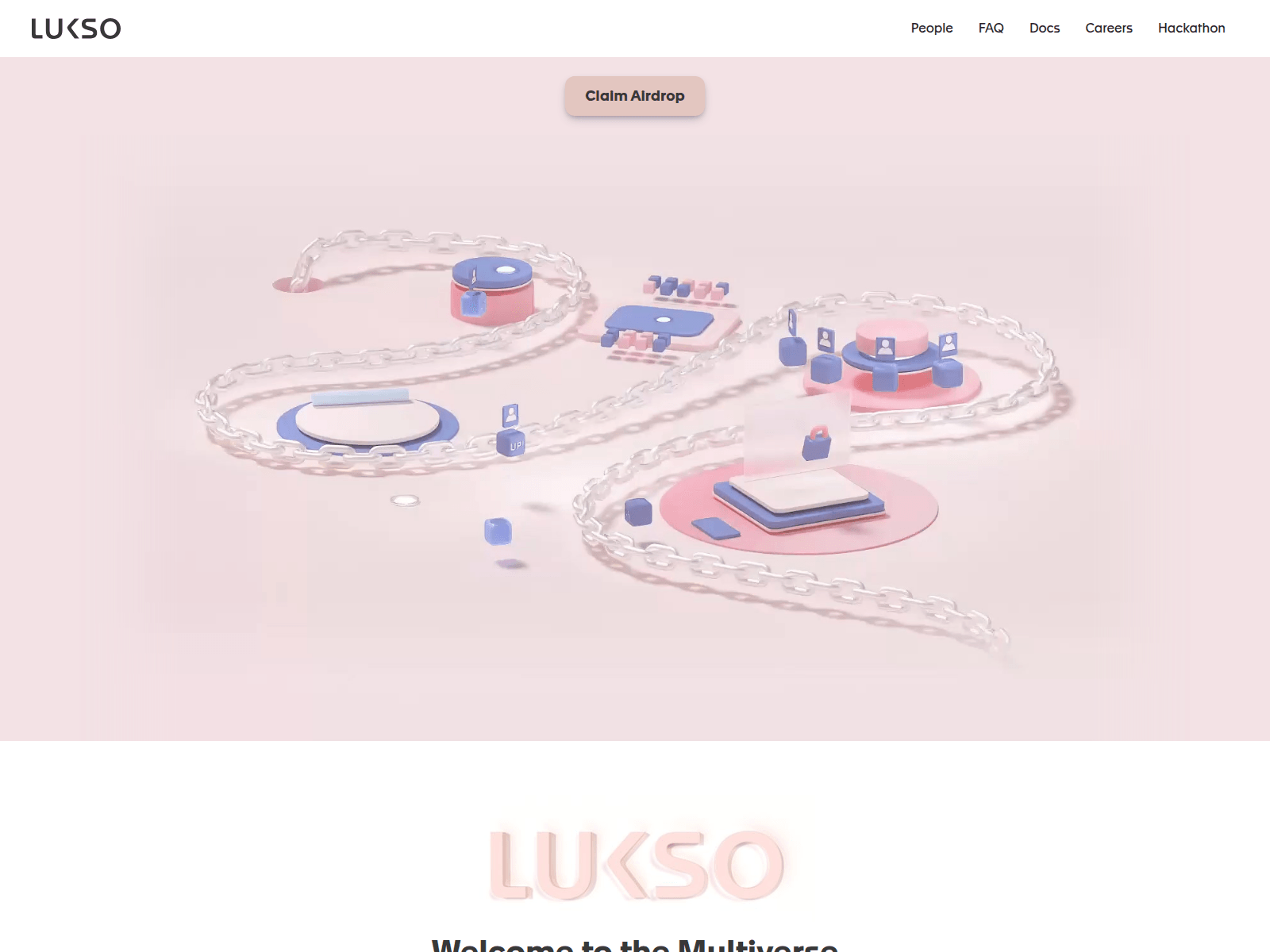
infernolukso.pages.dev

dapp-4.pages.dev

dapp-b.pages.dev

dapp-f.pages.dev

dapp-j.pages.dev

dapp-q.pages.dev

dapp-rx.pages.dev

dapp-x.pages.dev

dapp-z.pages.dev
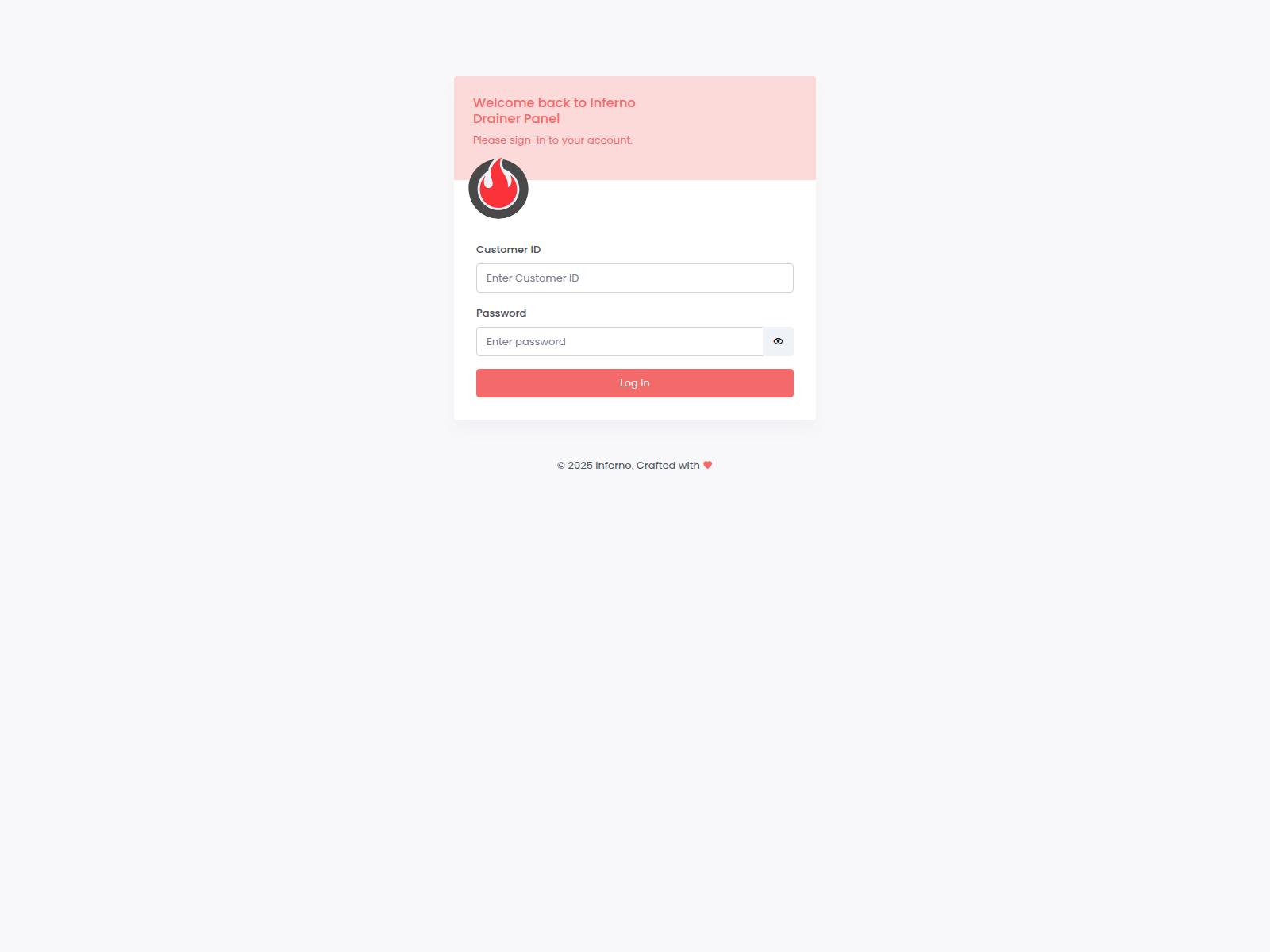
panel-inferno.com

dapp-5.pages.dev

dapp-d.pages.dev

dapp-h.pages.dev

dapp-i.pages.dev

dapp-k.pages.dev

dapp-o.pages.dev

dapp-p.pages.dev

dapp-r.pages.dev

dapp-tx.pages.dev

dapp-v.pages.dev

guild-blockchain-web3.pages.dev

dapp-s.pages.dev

dapp-u.pages.dev
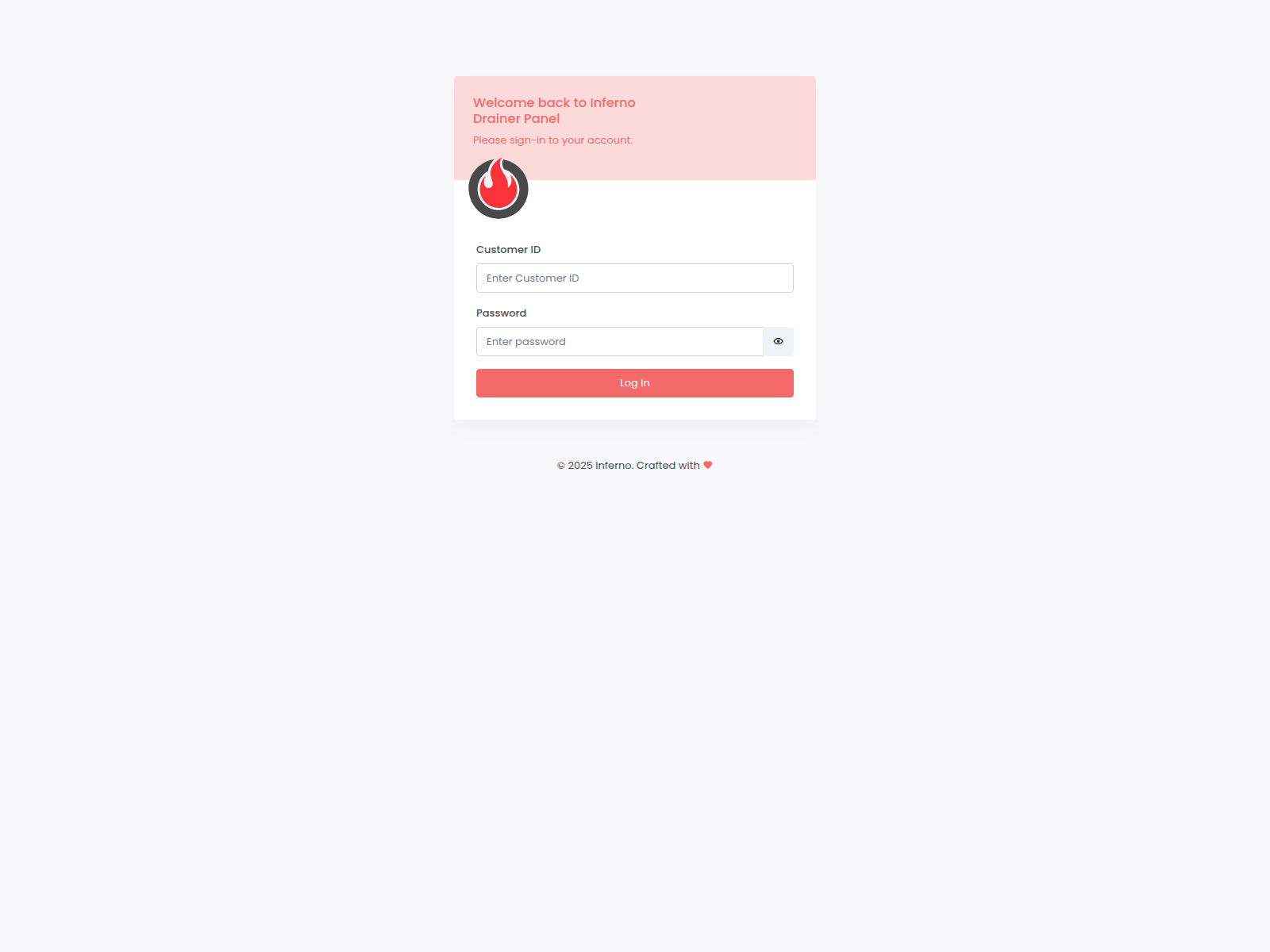
inferno-drainer.build
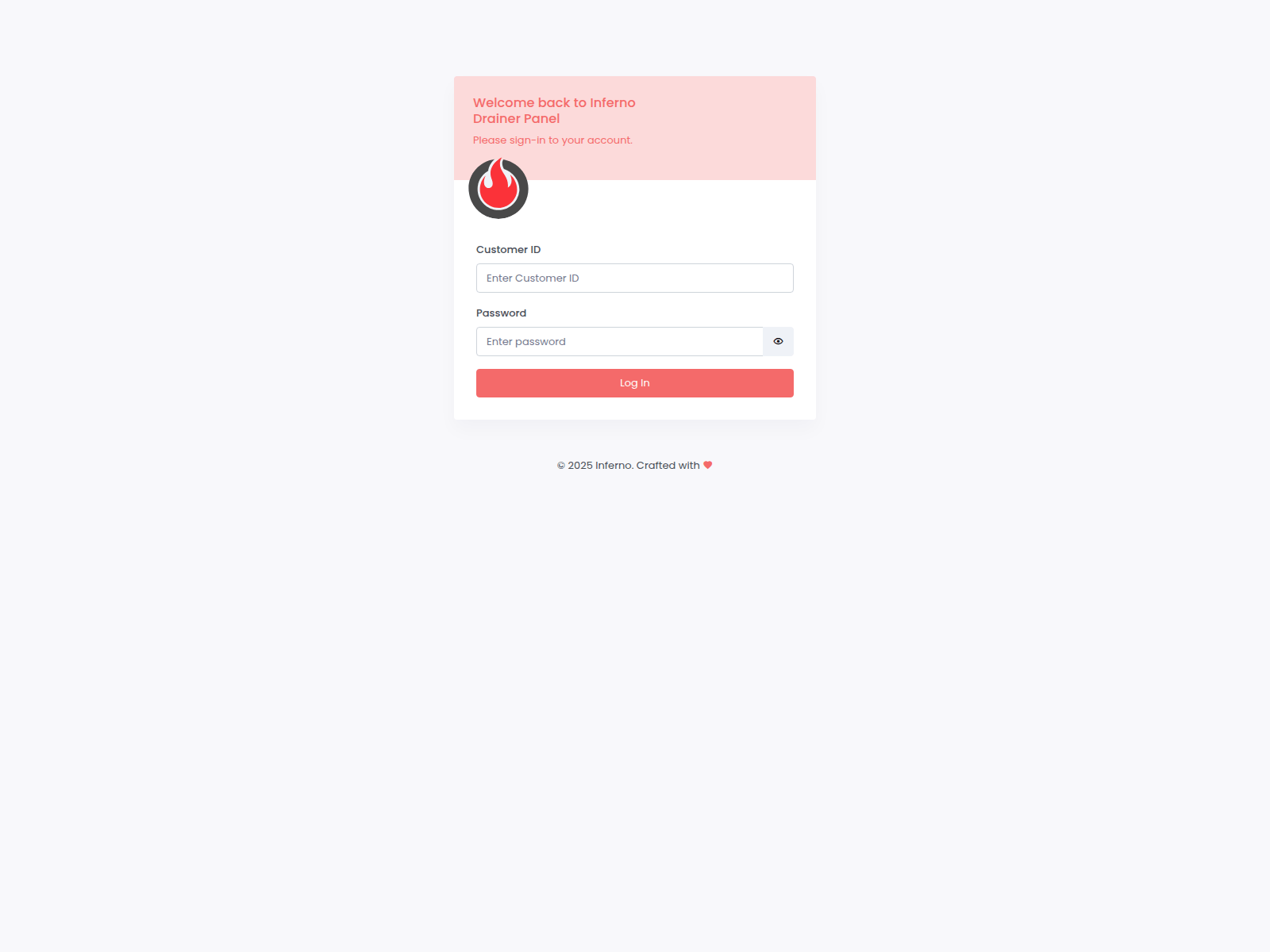
inferno-panel.net
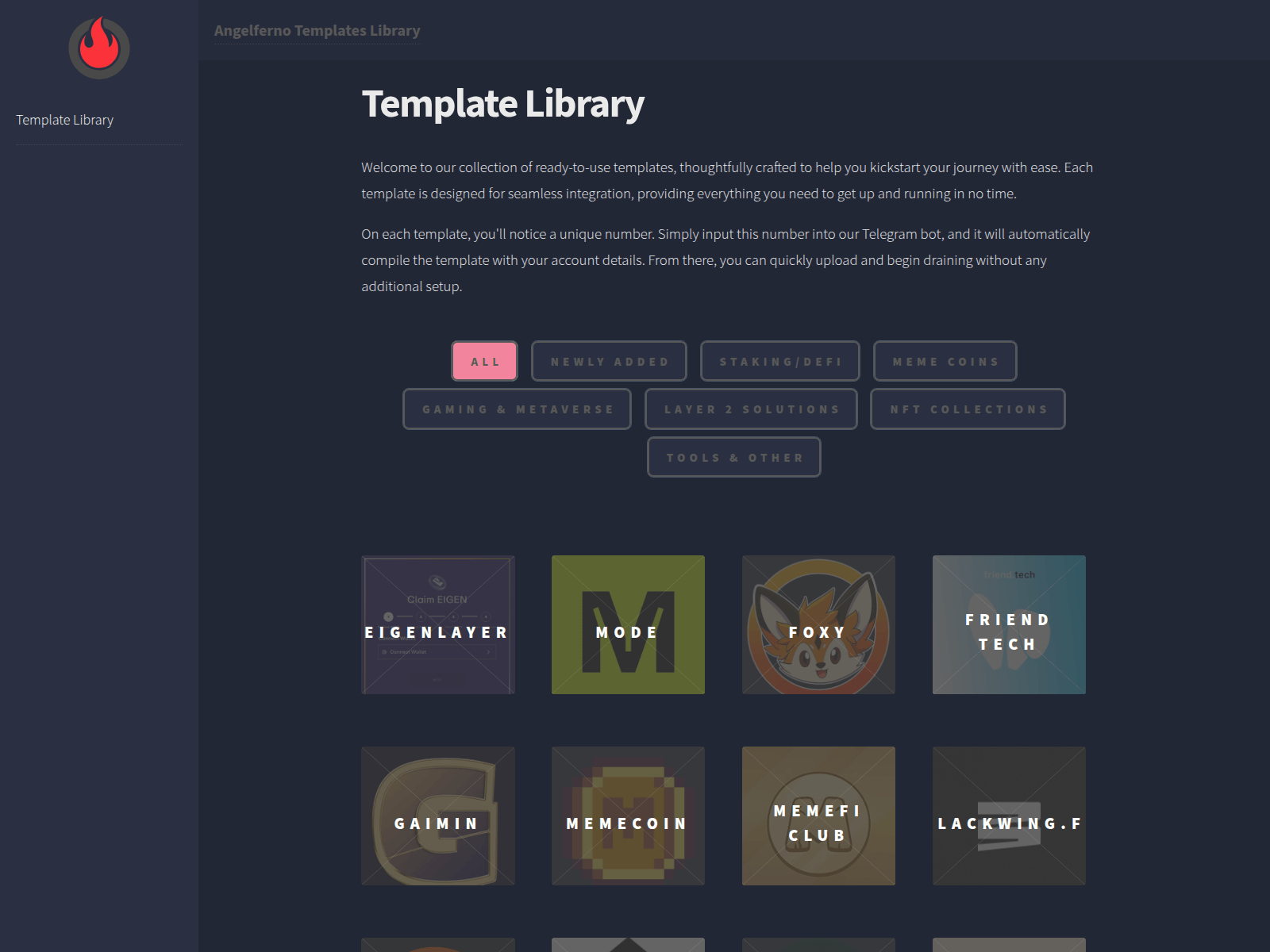
template-landing.com

inferno-line.com
Threat Response Pipeline
How every domain in this hub is verified and how confirmed threats are neutralized. Full pipeline visualization →
Threat Intelligence Checks— every domain is scanned & cross-checked against:
urlscan.ioScreenshot · DOM · HTTPVirusTotal90+ AV enginesGoogle Safe BrowsingTransparency ReportCloudflare RadarDNS · certs · categoriesAlienVault OTXThreat-intel pulsesWayback MachineHistorical evidenceabuse.ch ThreatFoxIOC correlationcrt.shCertificate TransparencyDNS Security FiltersQuad9 · AdGuard · CleanBrowsingWeb-CheckFull surface scan
 crt.sh
Global Vendor Sync— confirmed detections are pushed to 29 partners:
GoogleSafe BrowsingGoogleWeb Risk APIMicrosoftSmartScreenVirusTotalDetection feedCloudflareRadar / 1.1.1.1YandexSafe BrowsingURLScan.ioPublic scanESETWebGuardBitdefenderThreat exchangeNortonSafe WebSymantecSiteReviewAviraCloud detectionAvast / AVGWeb ShieldKasperskyOpenTIPDr.WebOnline scannerNetcraftTakedown APIPhishTankVerified voteAPWG eCXBulk feedPhishStatsOpen feedPhish.ReportHosting abuseSpamhausDBL feedPolySwarmMarketplaceCheckPhishBolster scanQutteraMalware scanURLquerySandboxCriminal IPAsset intelCRDFThreat CenterScamadviserTrust scoreMyWOTWeb of Trust